Open the App & Pick Your Mode
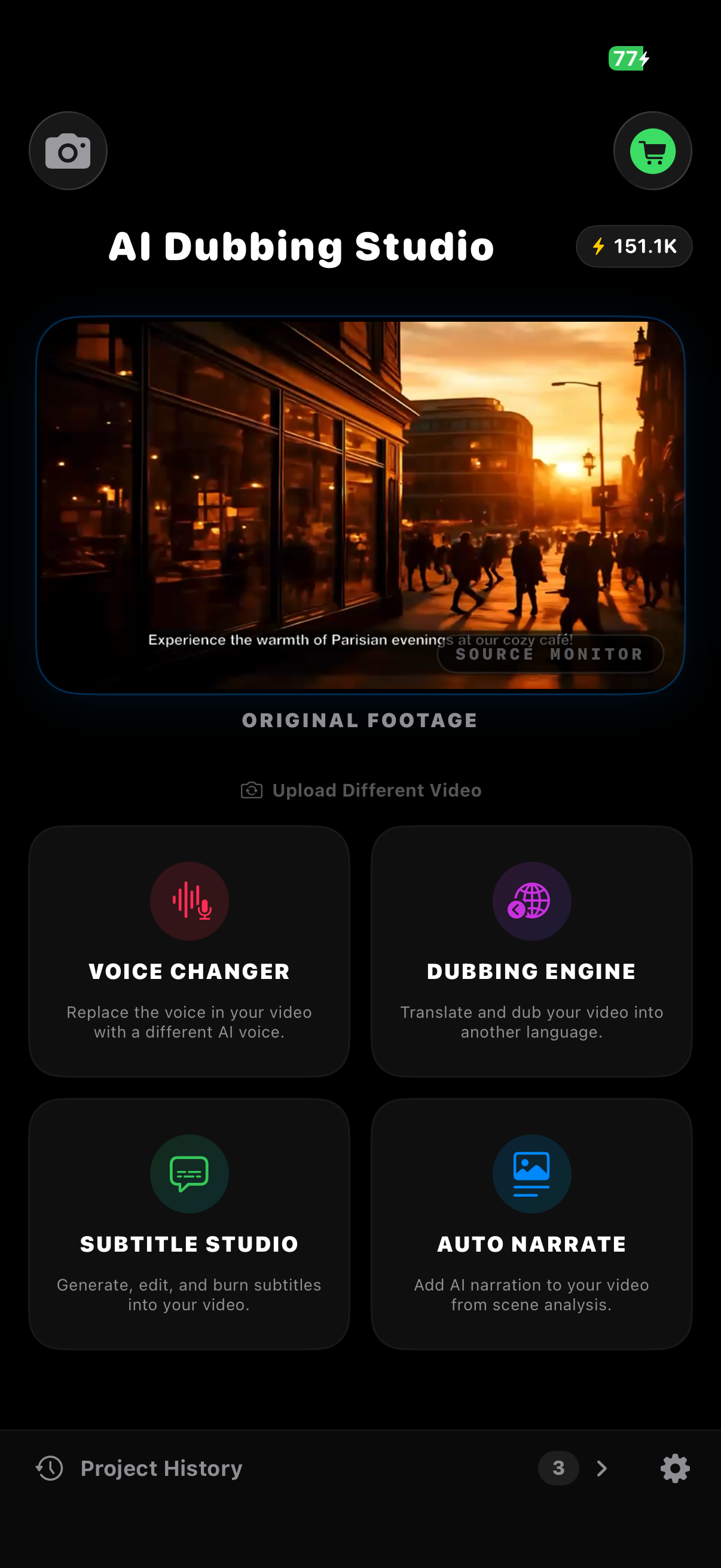
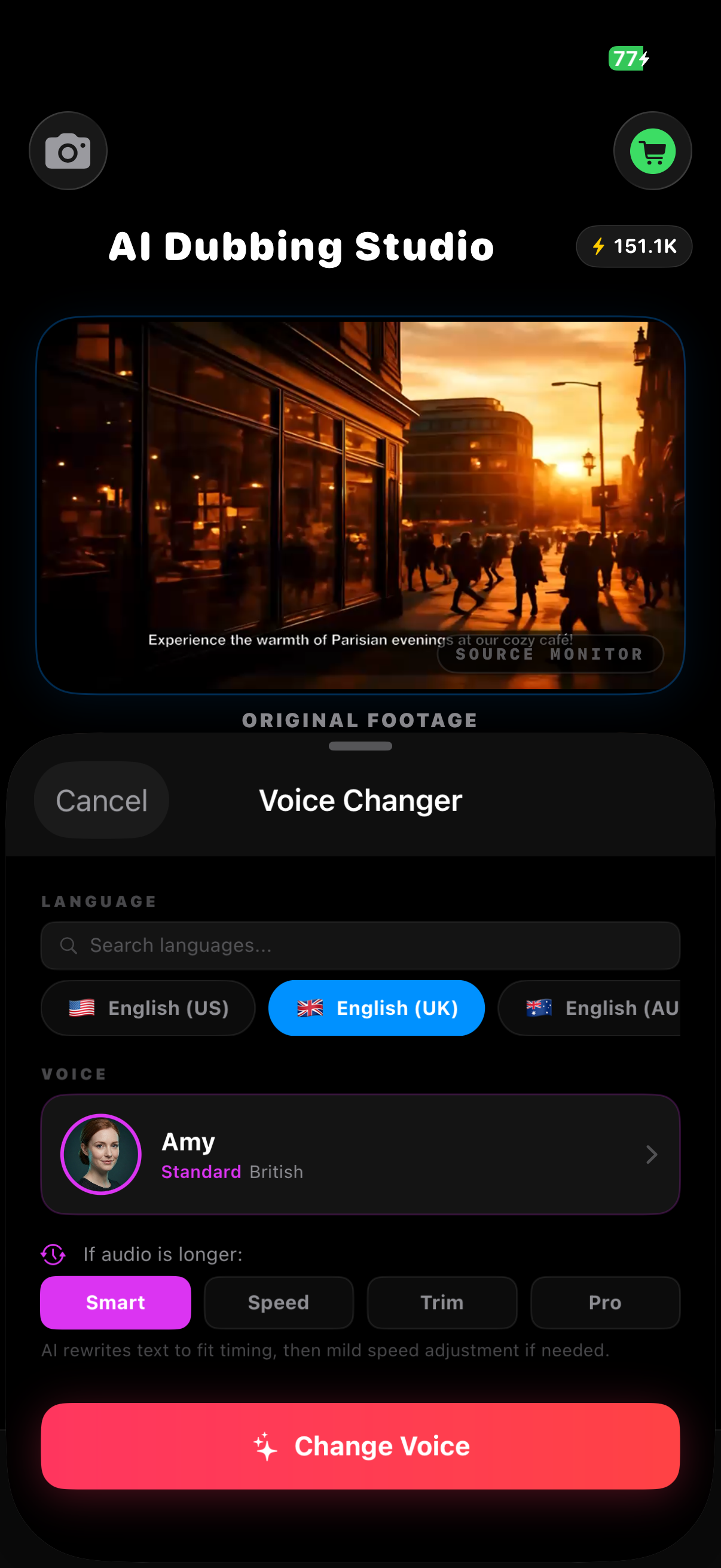
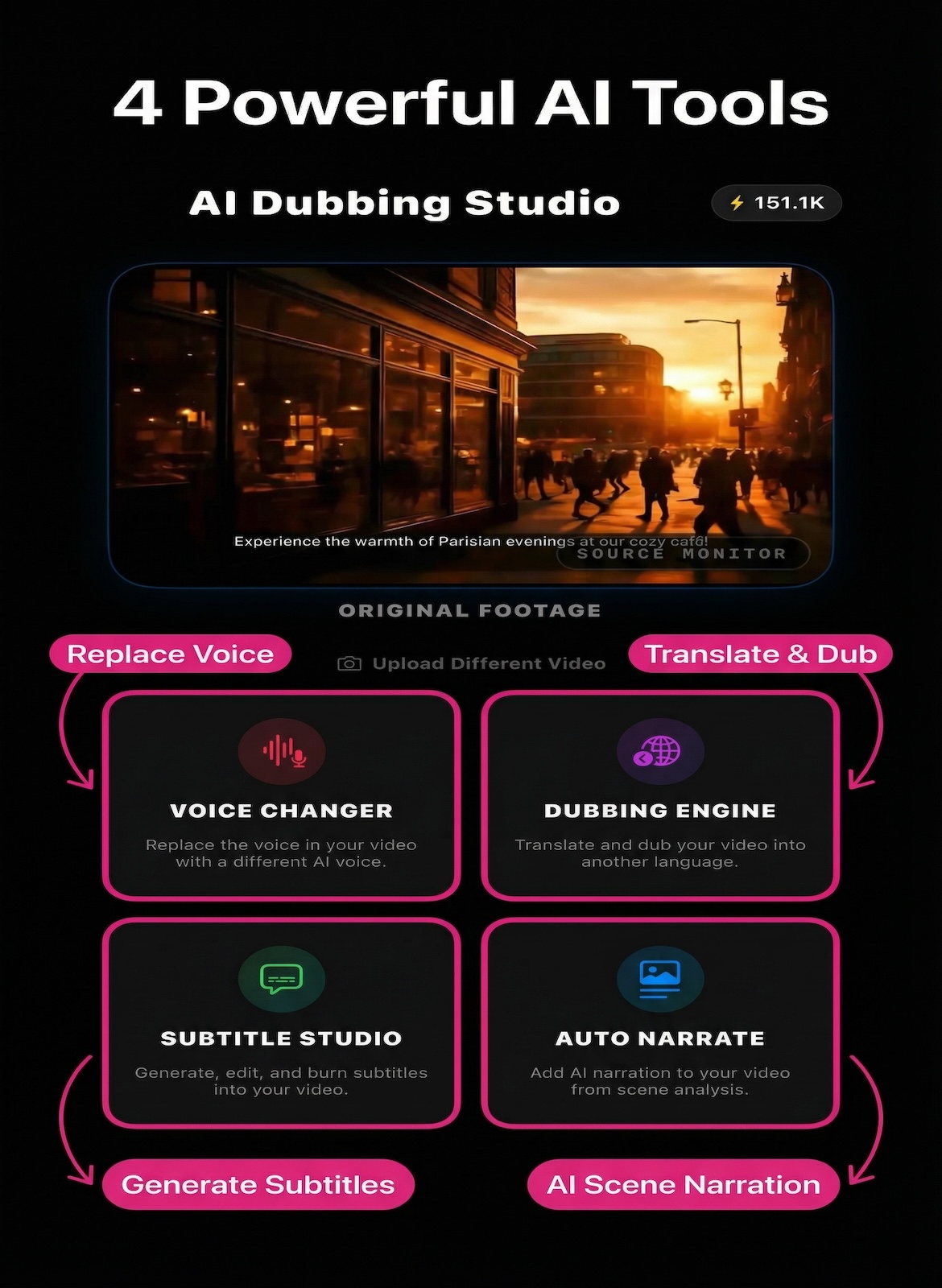
Launch AI Video Dubbing Studio and choose one of four AI-powered modes. Each mode is purpose-built for a different workflow — from quick voice replacement to full multilingual dubbing in 50+ languages.
- Import video from Photos, Files, or iCloud Drive
- Free to start — no account required
- Fully optimized for iPhone & iPad
Voice Changer
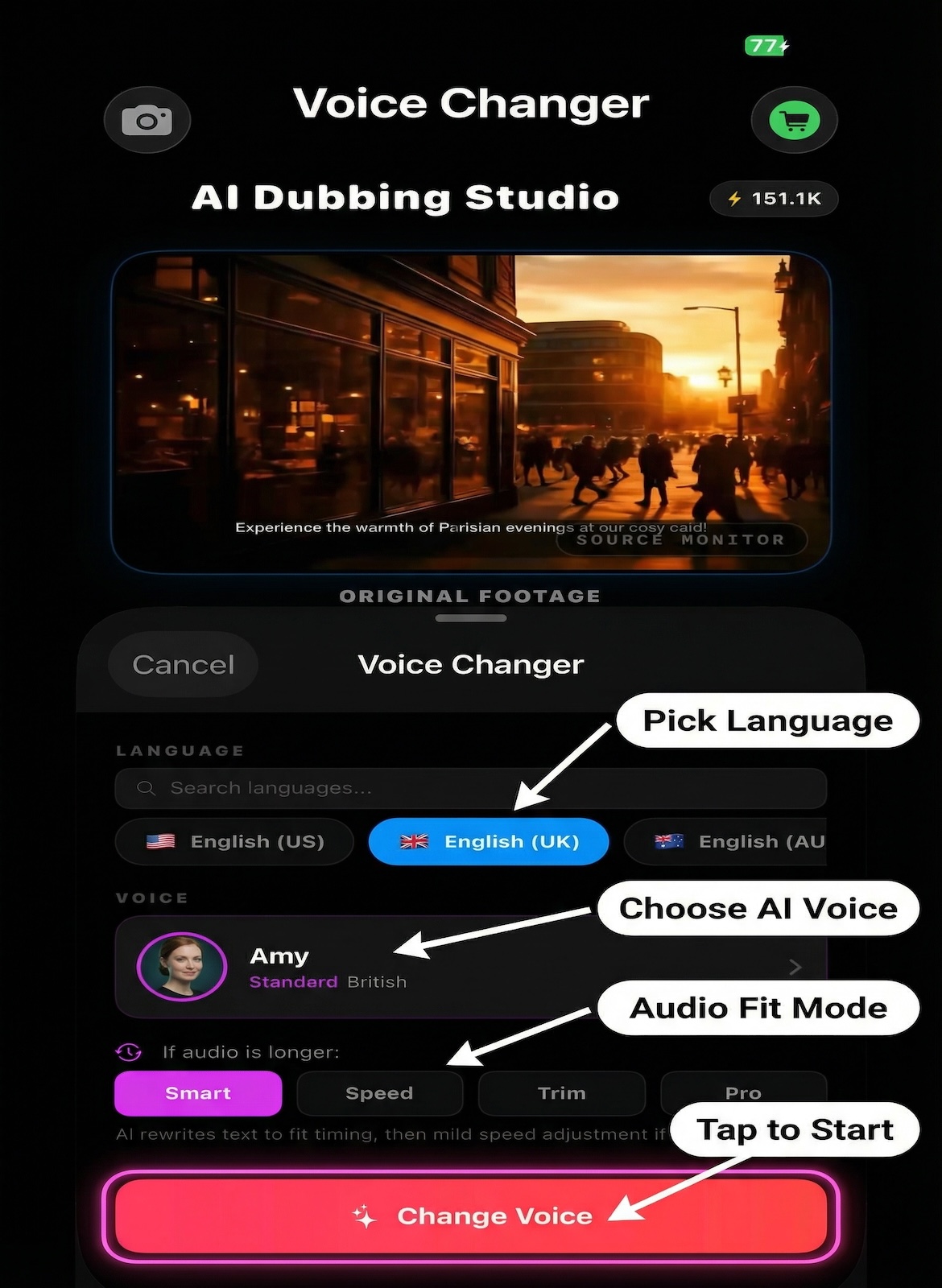
Replace any voice in your video with a natural-sounding AI voice. Same language, new identity. Great for content creators, privacy, and accessibility.
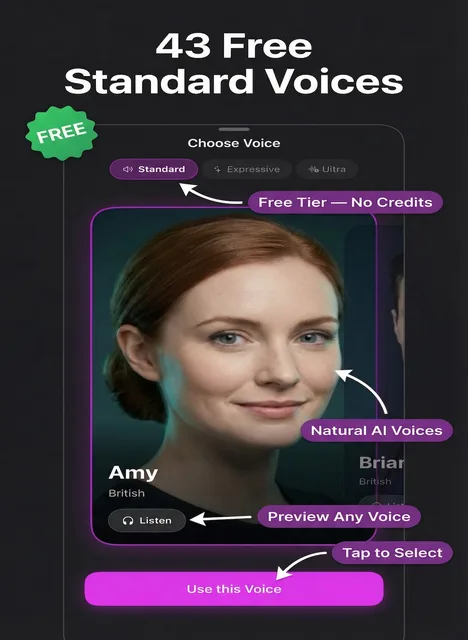
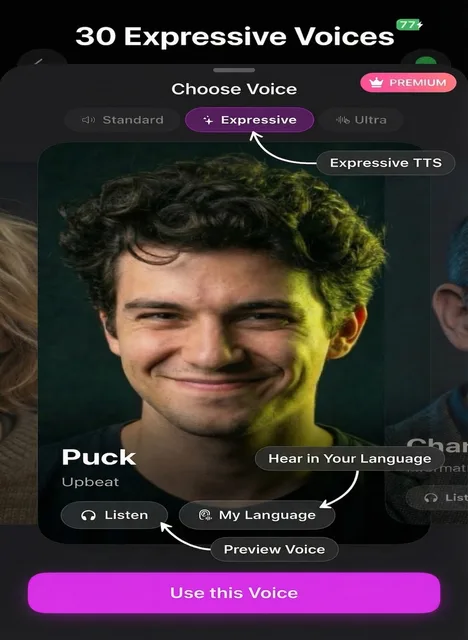
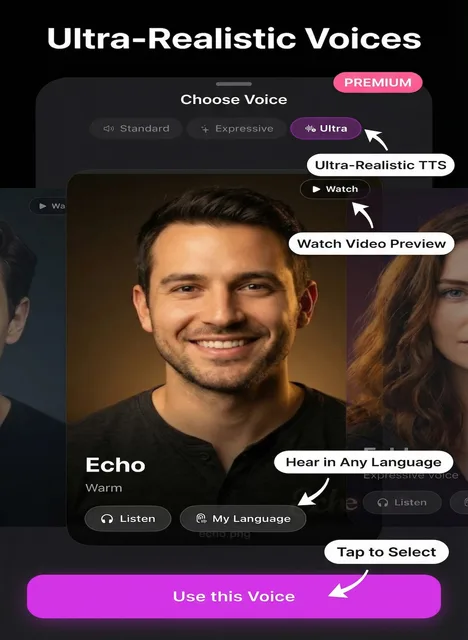
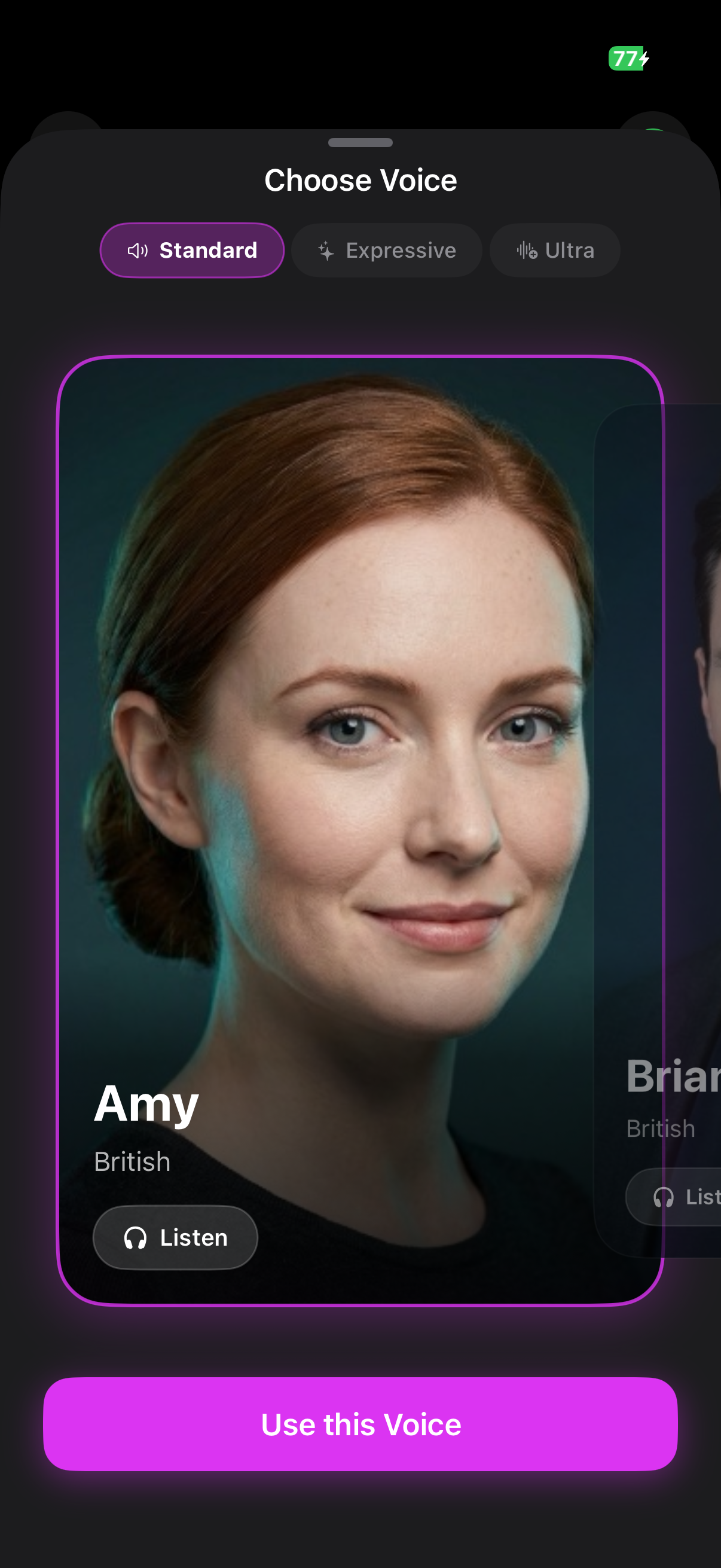
- Pick Standard, Expressive, or Ultra voice
- Set accent & style directions
- Karaoke word-sync included
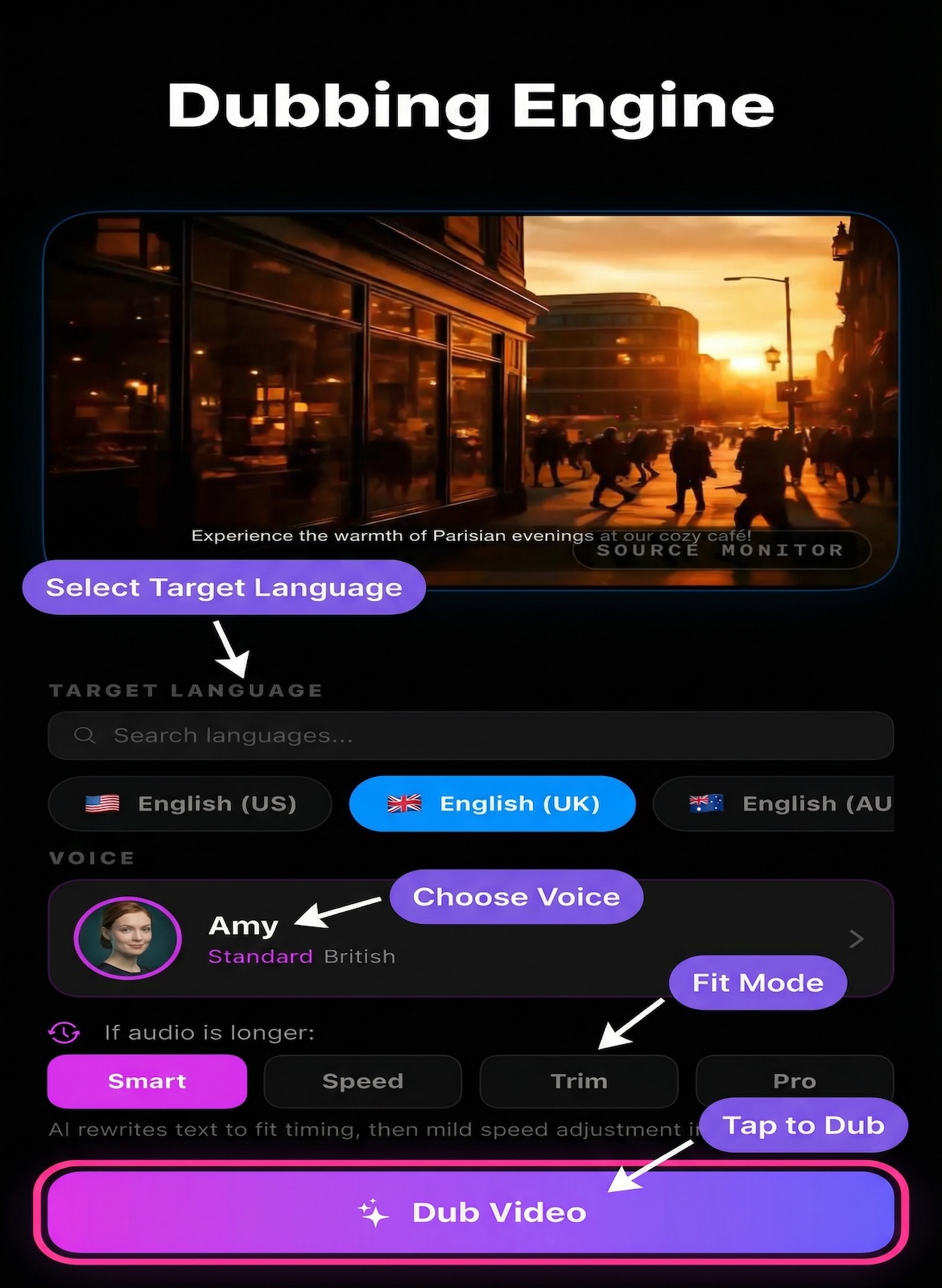
Dubbing Engine
Full AI pipeline: transcribe, translate, and dub. Turn any video into a perfectly synced dubbed version in 50+ languages.
- Choose source & target language
- Select Standard, Expressive, or Ultra voice
- Export at source resolution — no watermark
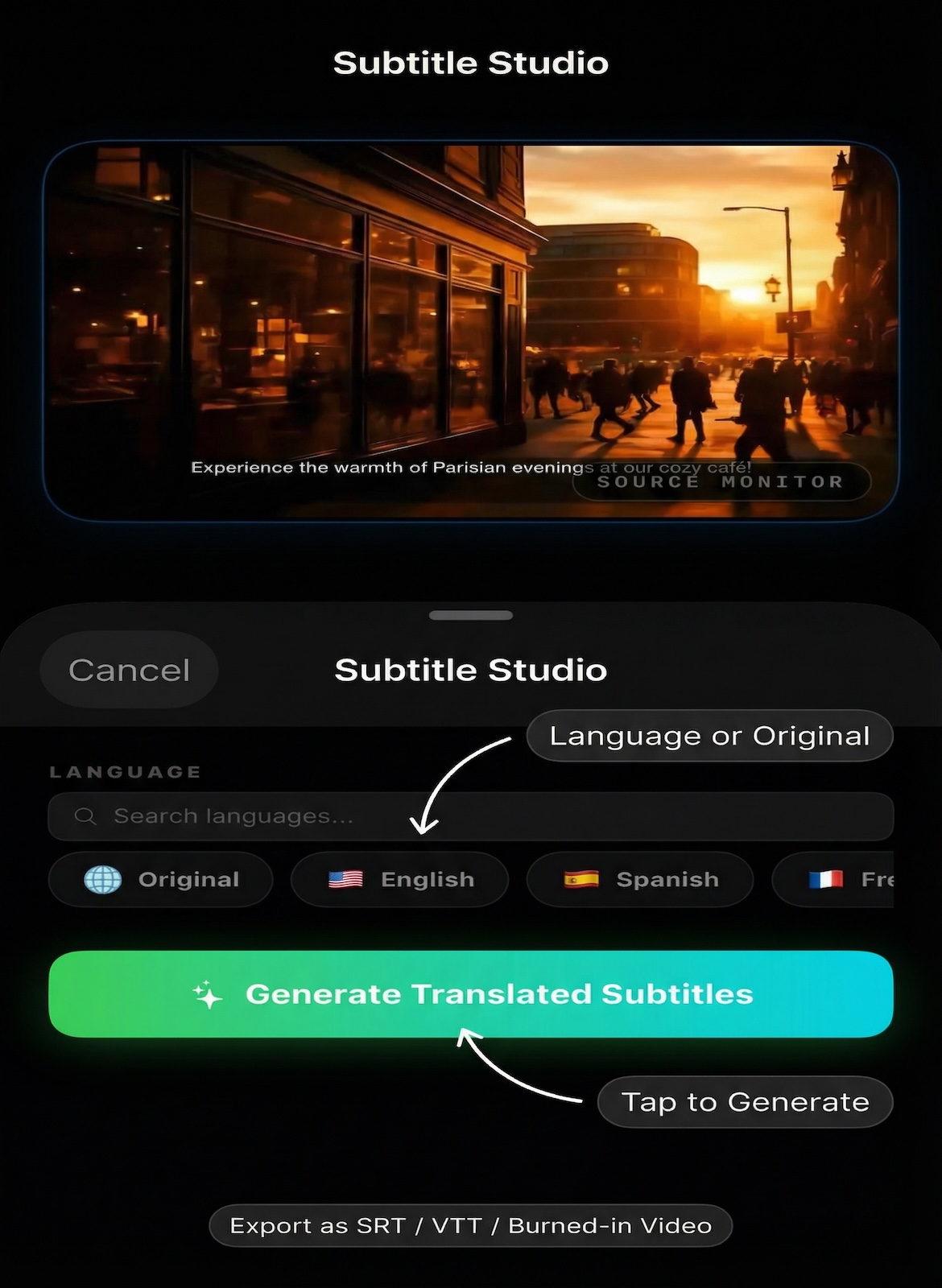
Subtitle Studio
AI-generated subtitles with deep segment editing. Export SRT or VTT files free (no credits), or burn subtitles directly into your video.
- Edit each subtitle segment individually
- SRT & VTT export free — no credits needed
- Burn subtitles directly into video
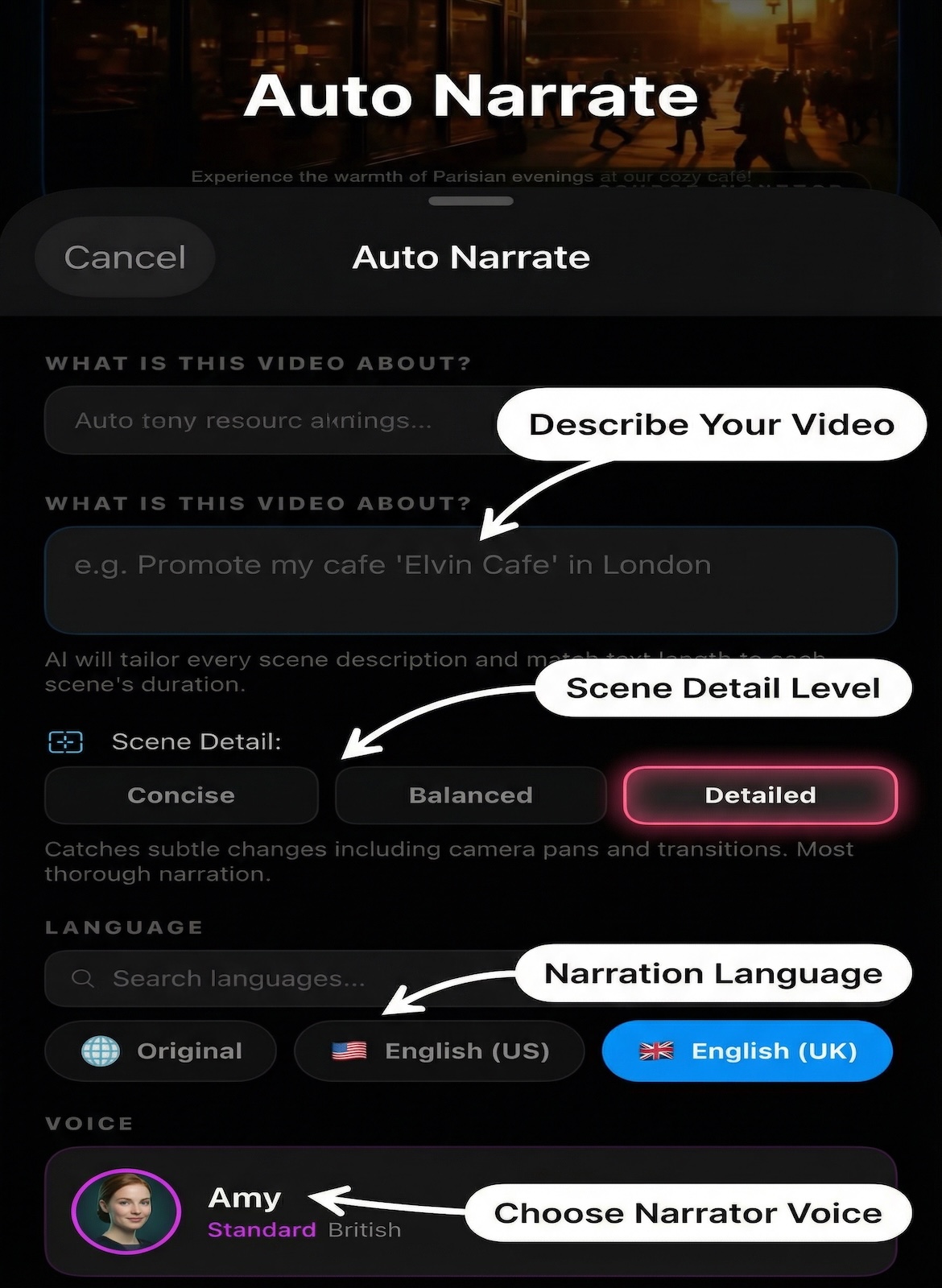
Auto Narrate
AI analyzes every scene frame-by-frame, writes professional narration, then dubs it automatically. Perfect for silent videos, travel vlogs, and documentaries.
- AI writes narration from video frames
- Dub narration in any of 50+ languages
- Edit segments in the deep editor